Too many tabs, too little clarity
Jumping between docs, forums and technical explanations to investigate one issue.
Go beyond basic prompts. Explore practical AI workflows in a free 3-hour live workshop designed around the way tech professionals work.
THE EVERYDAY CHALLENGE
You know how to solve complex problems. But how much of your day disappears into the repetitive work around them?
Jumping between docs, forums and technical explanations to investigate one issue.
Rewriting summaries, handovers, updates and technical notes over and over.
Using AI sometimes, without a dependable process for your real work.
Seeing possibilities, but not knowing where to start or how to check outputs.
WORKSHOP LEARNING AREAS
Explore practical use cases across technical, analytical and communication workflows.
Explore code explanations, error investigation, test-case ideas and first-pass refactoring suggestions.
Compare approaches, summarize long material and draft clearer technical notes for your team.
Explore dataset interpretation, formula explanations, structured analysis and clearer takeaways.
Identify repeatable processes and understand sensible review steps in AI-assisted workflows.
Turn rough notes into project updates, structured presentations and stakeholder-friendly explanations.
Use context, constraints, examples and validation to make AI-generated work easier to review.
Content planning note: These are proposed IT-focused applications from the draft and need trainer/syllabus confirmation before publication.
SEE THE DIFFERENCE
Often, better output starts with a better-defined task — not a fancier prompt.
◯ BASIC PROMPT
“Fix this code.”
✓ STRUCTURED WORKFLOW
Share the error, expected behavior, relevant snippet and constraints. Ask for hypotheses and tests before making any changes.
WHO IT'S FOR
Relevant examples for a range of tech roles — and approachable even if you're new to AI.
Code support, debugging, documentation
Test ideas, bug-report clarity
Runbooks, troubleshooting research
Spreadsheets, reporting, summaries
Planning, stakeholder updates
THE SESSION ROADMAP
An introductory format designed to move from fundamentals to real-work applications.
Understand prompting, useful context, AI limitations and how to check outputs.
See examples across research, technical work, data and documentation.
Identify repeatable workflows and decide which use cases fit your work.
Illustrative agenda; exact demonstrations and timing are subject to instructor confirmation.
TOOLS & FRAMEWORKS
Explore how AI assistants may support research, drafting and structured problem-solving. The focus is on knowing what to ask, when to use a tool and what to verify.
Tools shown as examples; live demo coverage is not confirmed. Third-party brands are not workshop sponsors or partners unless separately stated.
WORKSHOP RESOURCES
Resources listed in the existing Clapingo offer, subject to the terms and availability for your session.
Practical examples and guided learning.
Reference material to reinforce workshop concepts.
Reusable spreadsheet examples.
A reference list for further exploration.
Templates for presentation tasks.
Guides and a certificate for eligible participants.
Join a free live session focused on more practical ways of working.
Confirm resource availability and certificate eligibility for the next session before launch.
YOUR WORKSHOP GUIDE

Sameer Agrawal is the founder of Clapingo, a platform focused on practical upskilling. He is a B.Tech graduate with 7+ years of corporate experience.
In this workshop, he shares practical frameworks and examples designed to help professionals explore AI at work.
REGISTER FOR FREE →PARTICIPANT EXPERIENCES
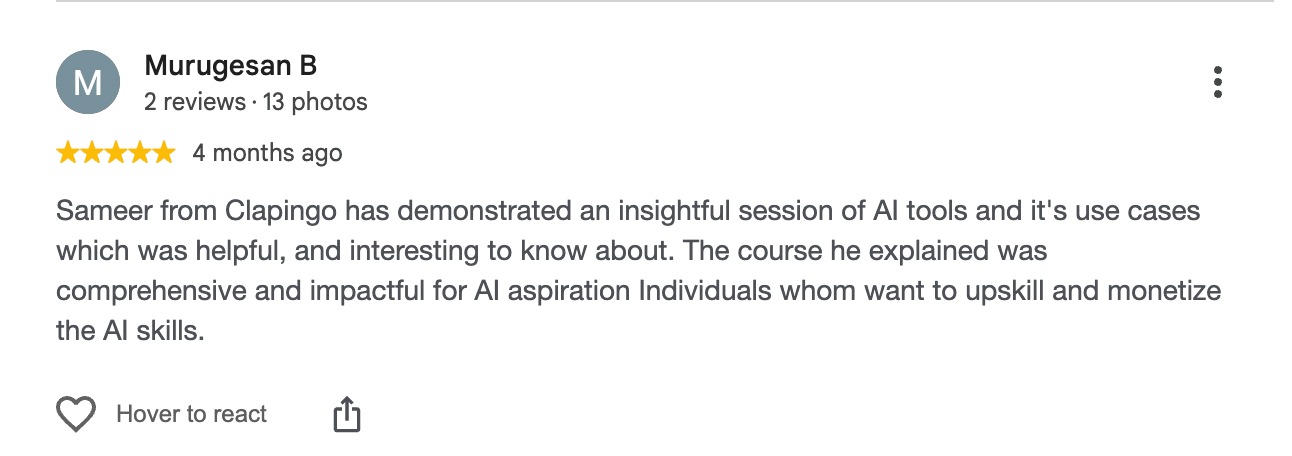
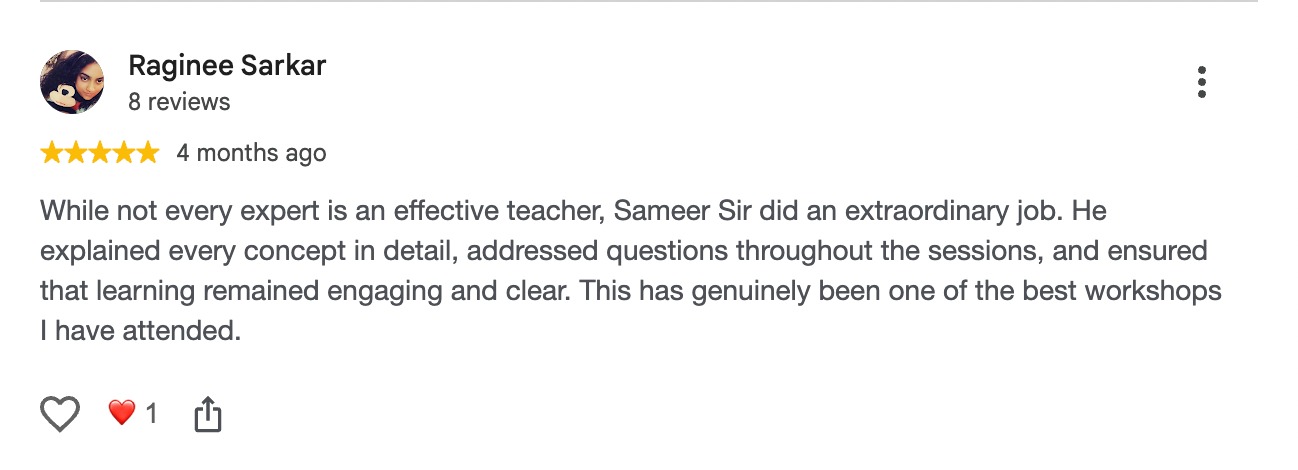
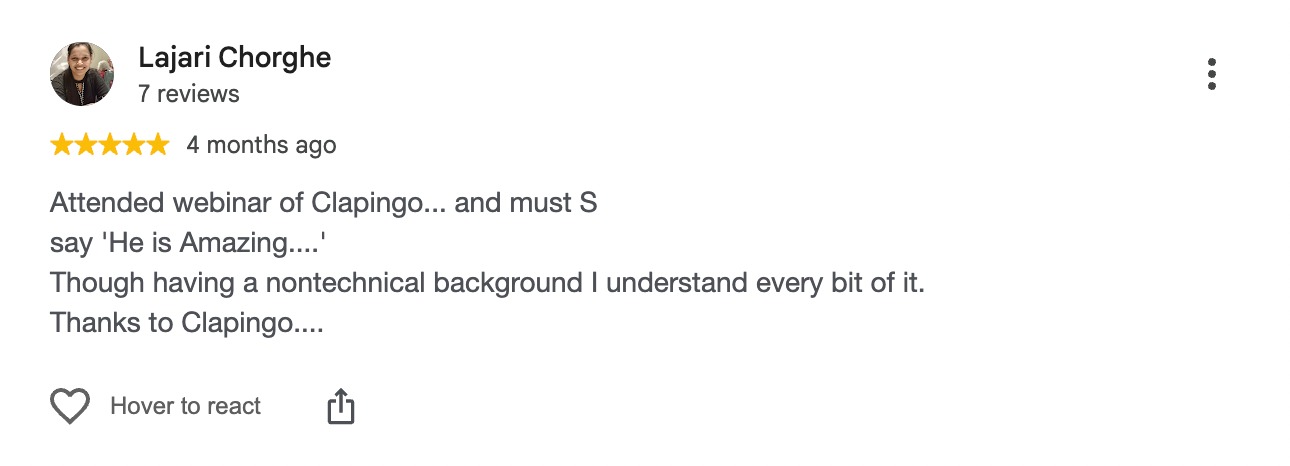
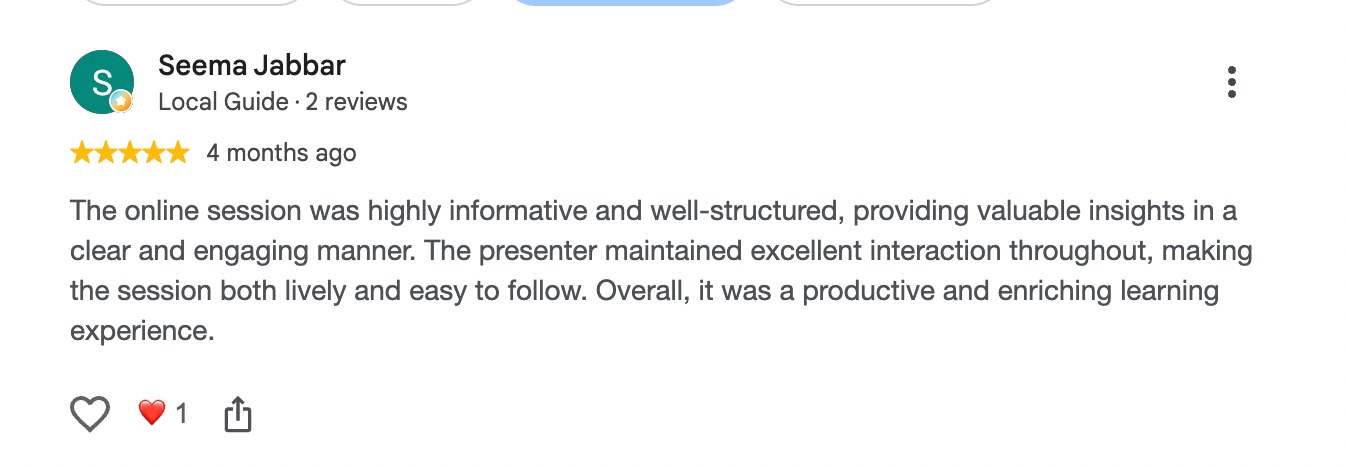
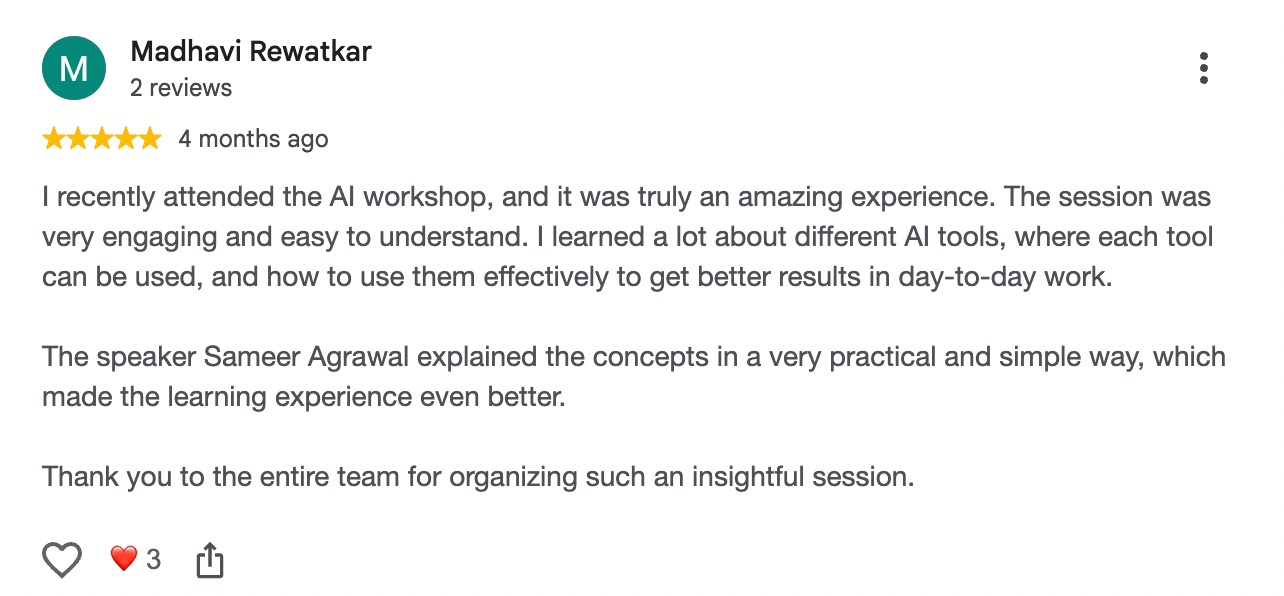
Genuine feedback can help you understand the workshop experience.
Participant Experiences: The experiences shared below are individual examples and are not guarantees of salary increases, promotions, employment, productivity improvements or other results. Outcomes vary by participant and circumstances.
RECOGNITION
Eligible participants may receive a Clapingo-issued digital Certificate of Participation after meeting workshop completion requirements.
This acknowledges participation; it is not a university degree, government credential or independent accreditation.

COMMON QUESTIONS
The proposed workshop framing includes introductory examples for technical research, coding support, documentation, data, automation and communication. Confirmed demos may vary.
No prior AI knowledge is required for this beginner-friendly introduction. Basic computer skills and familiarity with your own work are sufficient to follow along.
Yes, registration for the advertised live workshop is free. Any optional paid offering should be disclosed separately.
The next confirmed date and time will appear on the finalized page and in your registration confirmation.
This is a live online workshop. The current draft notes that recordings are not provided; please verify this policy before publication.
Eligible attendees may receive a Clapingo Certificate of Participation, subject to completion requirements.
AI can help draft and review ideas, but generated code needs technical review, testing, security checks and any required approvals.
Only if your employer permits it and the tool's data policies are appropriate. Use synthetic or sanitized examples during training.
TAKE YOUR NEXT STEP
Spend three hours exploring workflows that could support the work you already do — with real examples, clearer prompts and a better starting point.
YES, RESERVE MY FREE SEAT →No prior AI experience required. Details will be shared after registration.
Price increases in...
FREElive workshop
Free live workshop for working professionals